Testing a small Canvas burst as a NixieFX alternative
A team looking for NixieFX alternatives should start with the effect it actually needs. A single confirmation burst has different requirements from a collection of effects that artists must tune and developers must run in several renderers.
This tutorial builds a deliberately small alternative: draw a seeded burst directly with Canvas 2D. Alongside it, a NixieFX export runs through PixiJS. The comparison is about what each implementation requires for this one effect. It is not a ranking of visual editors or a performance benchmark.
Disclosure: this article and demonstration were prepared with AI assistance for a NixieFX marketing assignment. The screenshots and particle counts come from the runnable local example. Only the PixiJS runtime was executed here; Three.js compatibility was checked through export diagnostics.
Define a fixture before comparing tools
The fixture is a burst of 24 teal particles, a one-second lifetime, and an upward velocity range. Both panels use a 480 by 300 drawing area, an origin at 240,240 and 80 pixels per effect unit. Seed 43 makes each implementation repeatable within its own generator.
That seed does not make their trajectories identical. The hand-coded generator and runtime select particles differently, and their drawing paths differ. Matching count, lifetime and time samples keeps the comparison understandable without pretending it is pixel parity.
Open the runnable comparison. Its source and export fixture are in the same assets directory.
Build the small Canvas alternative
The baseline owns a list of velocities and evaluates positions from elapsed time. It draws circles, applies a fade and clears expired particles. These are the essential lines from the runnable source:
let state = 43;
const random = () => {
  state = (Math.imul(1664525, state) + 1013904223) >>> 0;
  return state / 4294967296;
};
const particles = Array.from({ length: 24 }, () => ({
  vx: -1.6 + random() * 3.2,
  vy: 0.4 + random() * 2.4
}));

function drawParticles(ctx, t) {
  if (t >= 1) return;
  ctx.globalAlpha = t <= 0.6
    ? 1 - t * 0.25
    : 0.85 * (1 - t) / 0.4;
  ctx.fillStyle = '#33e6bf';
  for (const p of particles) {
    ctx.beginPath();
    ctx.arc(240 + p.vx * t * 80,
            240 - p.vy * t * 80, 3, 0, Math.PI * 2);
    ctx.fill();
  }
  ctx.globalAlpha = 1;
}
The complete example also redraws the background, handles elapsed time, caps large frame steps and cancels its animation callback during cleanup. Recreating the seeded list restarts the same baseline; adding random values on every frame would change that property.
For a small fixed effect, this is an inspectable implementation. If a designer asks for a curve editor, texture animation or reusable effect assets, the team must implement those additions or choose a different authoring workflow. A short loop is not a substitute for every part of an editor.
Run the authored side through its exported bundle
The NixieFX fixture uses a single start burst, procedural unlit billboards and no external textures. The build script sets a portable target, disables looping and continuous emission, and exports a bundle. It validates before exporting so the browser does not quietly consume unsupported authoring data.
The integration reads the manifest and compiled effect files, loads the required backend, and creates the instance with an explicit screen projection:
const bundle = loadVfxExportBundle(
  { manifest, effectsByPath },
  { requiredBackend: 'pixi2d',
    requiredEffectIds: ['comparison-burst'] }
);
const effect = bundle.effectsById.get('comparison-burst');
const adapter = new PixiVfxRenderer({
  parent: app.stage,
  projection: createPixiVfx2dProjection({
    originX: 240, originY: 240,
    pixelsPerUnit: 80, yAxis: 'up'
  })
});
const instance = adapter.createEffect(effect, { autoStart: false });
instance.reset({ position: [0, 0, 0], seed: 43 });
Those are imported APIs in the complete source, not standalone browser globals. The supplied JavaScript bundle includes the dependencies. The NixieFX runtime reference explains the authoring/export boundary and backend support reports; use it to check a production effect’s actual features rather than assuming every setting is portable.
Reproduce the observed result
Serve the supplied directory over HTTP, then open its index page:
python3 -m http.server 8000
At 0.30 seconds, the local desktop check showed 24 visible particles in both panels. At 0.70 seconds, both still showed 24. At 1.10 seconds, the Canvas count and runtime active/visible counts were zero. Validation and export completed with zero errors and zero warnings; both backend reports said supported for this fixture.
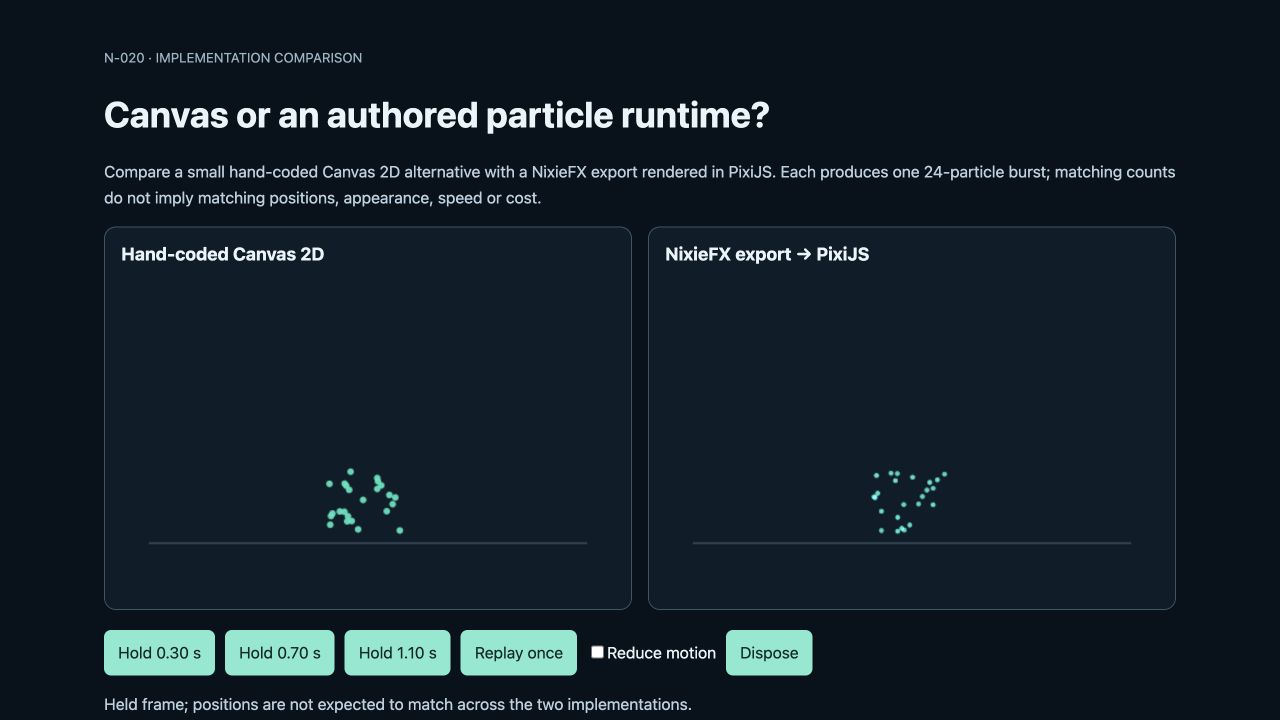
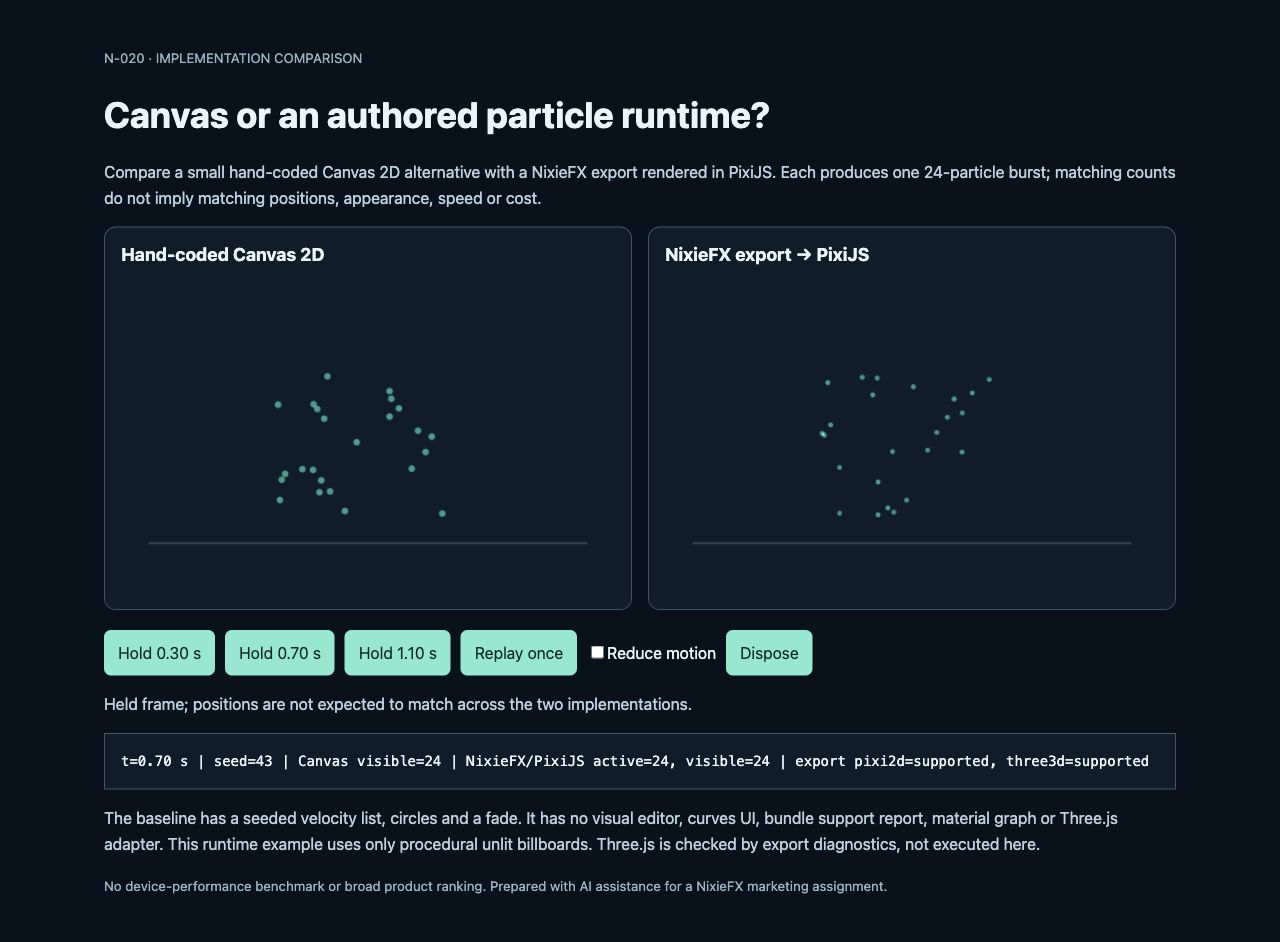
The held runtime frames use fixed 1/120-second updates after a reset. Replay uses elapsed frame time. These checks establish the visible behavior of this fixture, not a throughput or battery-cost comparison.
Check motion and cleanup before adopting either path
The page checks the operating system’s reduced-motion preference and offers a manual override. With reduced motion active, Replay holds a representative still frame. The local check verified that behavior. Dispose cancels the animation loop, destroys the runtime adapter and Pixi application, and disables the controls. Reload recreates the example.
In a game, connect replay to the appropriate event and cleanup to the owning scene’s lifecycle. Avoid starting another loop for every repeated event. The demo’s accessibility behavior is a starting point; the surrounding game’s controls and content still need review.
Choose against your actual requirements
The Canvas version can be enough when a developer owns one simple 2D cue and can maintain its drawing and lifecycle code. It has no authored bundle, visual editing interface, shader graph or Three.js adapter. The NixieFX path adds an authoring/export/runtime boundary that may suit a team maintaining a library of configurable effects.
This fixture does not exercise texture sheets, mesh emission, lit shading, trails or collision. It cannot establish equivalence for those features, and no mobile performance result is claimed. Add your own effect and target-device checks before deciding which path belongs in a production game.